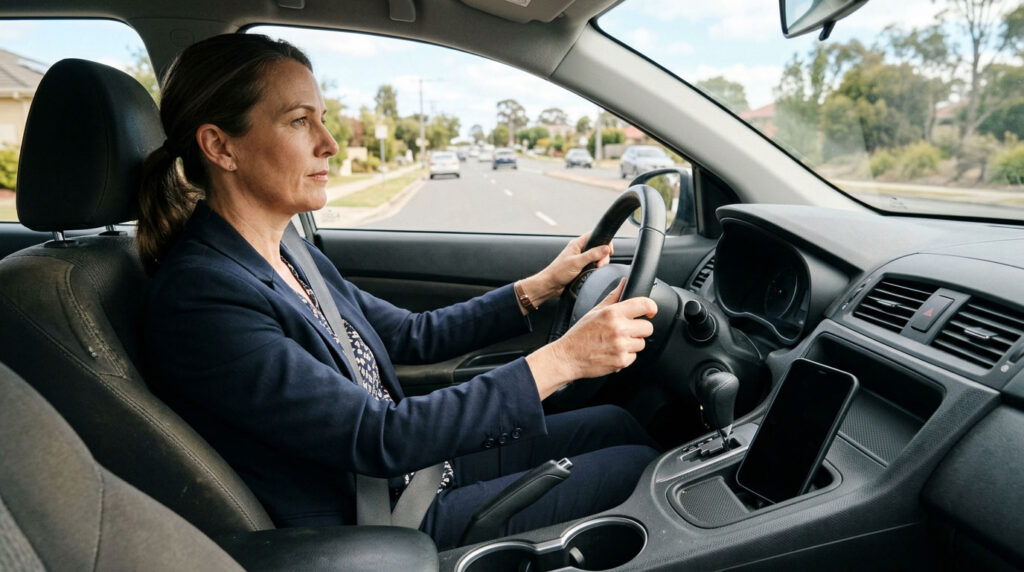
Distracted driving does not always look like someone typing a message with one hand. It can involve checking a navigation screen, reaching for a dropped phone, or concentrating on a conversation instead of changing traffic. The common problem is attention moving away from driving.
According to NHTSA’s distracted driving figures, 3,208 people died in crashes involving distracted drivers in 2024. That is a count of reported involvement, not a complete measure of every distraction on the road. Understanding the risks starts with recognizing what the records can miss and making practical changes before your next trip.
For commuters, parents, and occasional drivers alike, this is less about buying technology and more about establishing a repeatable routine. Decide how you will handle interruptions before they arrive, rather than negotiating with yourself in traffic.
What New Research Reveals About Phone Use
On August 27, 2026, the Insurance Institute for Highway Safety published research on underreported cellphone use. Researchers compared phone-based driving data with nearly 17,000 police-reported crashes across four states, using records from 2021 through 2024.
The comparison suggested that cellphone use before crashes was undercounted in police reports by a factor of at least seven. Some recorded activity involved calls or phone handling; some involved an unlocked screen, which could include navigation.
The study did not establish that phone use caused each crash. Researchers could not determine fault, identify specific apps, or confirm whether drivers were looking at unlocked screens. Its findings describe a reporting gap within the study sample, not a universal crash-causation rate.
For everyday drivers, the takeaway is practical: the absence of a phone-related entry in a crash report is not reassurance that a distracting habit is harmless.
Distraction Involves Your Eyes, Hands, and Mind
The CDC identifies three types of distraction: visual, manual, and cognitive. Looking at an alert takes your eyes off the road. Reaching for a device takes a hand away from driving. Thinking about a demanding conversation can pull your mind away from traffic.
Hands-free calls do not eliminate that mental workload. CDC guidance on distracted driving at work explains that cognitive distractions can interfere even when your hands remain on the wheel. Save nonessential conversations for a stop rather than treating a Bluetooth connection as permission to multitask.
Build a Safer Routine Before You Drive
Set Your Route and Controls While Parked
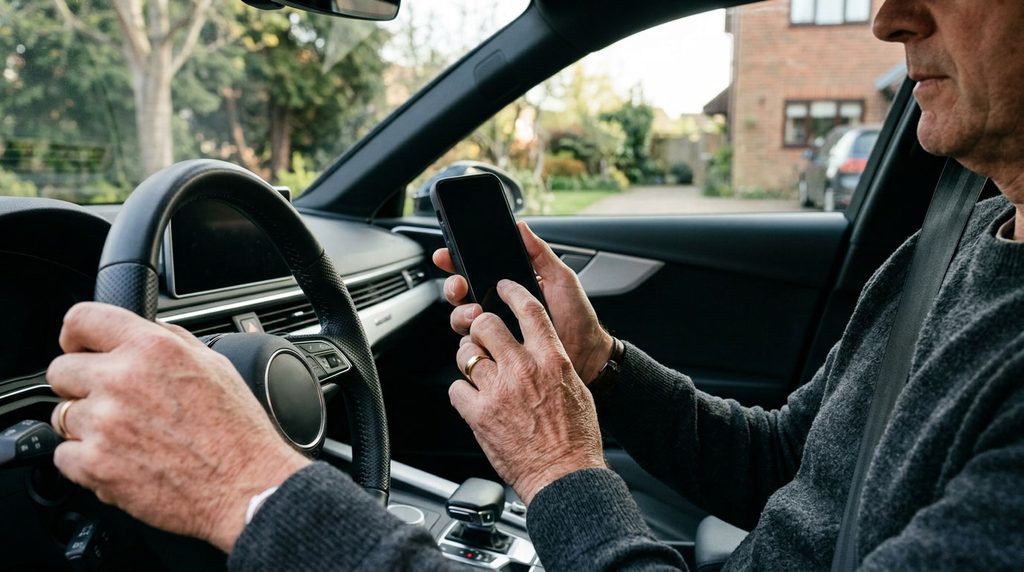
Choose your destination, review the first few turns, and adjust your seat, mirrors, climate controls, and audio before moving. These preparations follow AAA’s advice for avoiding driving distractions. Taking care of small tasks beforehand leaves fewer reasons to reach toward a screen during the journey.
Make this routine consistent, including on familiar routes. A short drive still deserves the same preparation as a longer trip. Finish the setup before shifting into traffic.
Silence Notifications Before Starting
Use your phone’s supported notification-limiting features while parked. For example, Apple’s Driving Focus instructions explain how compatible iPhones can limit notifications and activate the feature automatically through detected motion, car Bluetooth, or CarPlay.
Configure any available automatic reply before departure. A simple message explaining that you will respond after parking sets expectations without requiring you to read or answer incoming messages during the drive.
Check Automatic Activation and Exceptions
Do not assume that enabling a driving mode silences everything. Apple allows notification exceptions, and certain urgent messages can still get through. Review those settings before leaving, then confirm the feature works as intended while parked. On other devices, check the manufacturer’s current instructions rather than assuming the same menus or behavior apply.
Give Your Phone a Secure Place
Keep the device somewhere secure that discourages casual handling. When using navigation, arrange it before departure without obstructing your view or vehicle controls. Avoid placing loose devices where they can slide into the footwell.
If something falls, leave it until you are safely parked. CDC guidance specifically advises drivers not to retrieve items from the floor or try to catch falling objects.
Allow Extra Time in an Unfamiliar Car
For a rental or borrowed vehicle, locate the basic controls before leaving. Check how to adjust navigation audio and where to secure your phone without interfering with the pedals or controls. Consult the owner’s manual while parked when a setting is unclear. Treat unfamiliar dashboard menus as something to learn before the journey, not an activity to work through in moving traffic.
Stay Focused When Your Journey Changes
Let a Passenger Handle Non-Driving Tasks
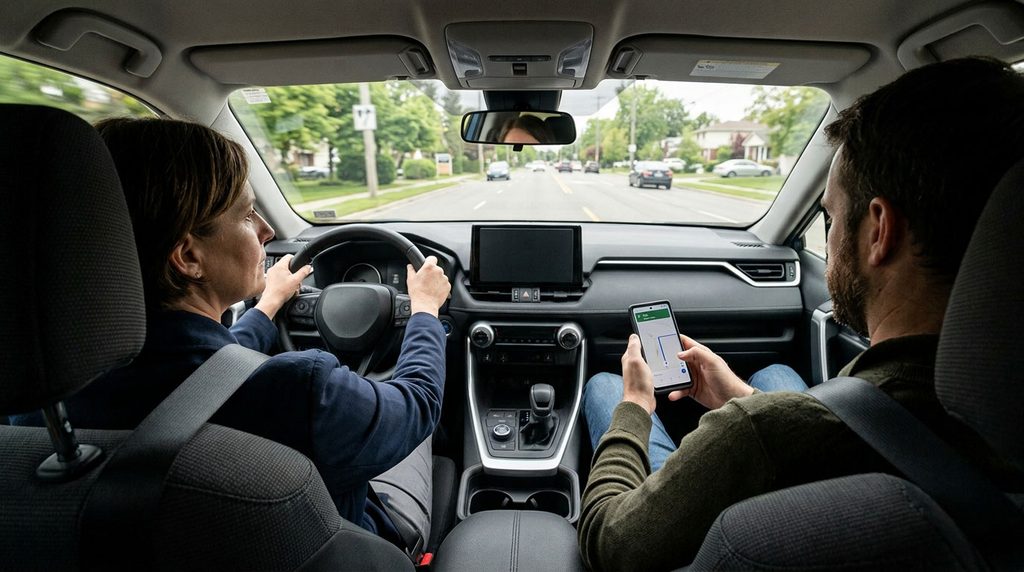
A willing passenger can check directions or respond to a message while you concentrate on driving. Ask them to explain the next turn rather than holding a screen in front of you. The CDC recommends passenger assistance with navigation and other tasks, along with speaking up when a driver becomes distracted.
Agree on this arrangement before departure. Passengers should support your attention, not add pressure to look at something immediately.
Park Before Replying or Changing the Route
Missing a turn is a reason to continue safely, not to start tapping through menus. Find a safe, legal parking location away from moving traffic before making changes or returning a call. A red light is not a substitute for ending the driving task and parking.
This is especially important for work messages. CDC workplace guidance recommends stopping safely before making or receiving calls, texting, or looking up directions.
Do Not Hand Your Attention to Driver Assistance
Adaptive cruise control and lane-centering assistance are not permission to use your phone. NHTSA’s explanation of driving automation states that Level 2 assistance still requires the driver to drive and monitor. Systems that help control steering and speed do not remove your supervision responsibilities. Follow your vehicle’s instructions and remain ready to intervene.
Make Phone-Free Driving a Shared Habit
Set expectations with family members and coworkers: responses may wait until the driver is parked. For households with new drivers, make the rule apply to adults too. NHTSA’s teen driving guidance emphasizes modeling attentive driving and discussing distraction before bad habits become established.
Review your routine after a trip. Did notifications get through? Was the route unclear? Did anyone expect an immediate reply? Adjust those details before the next journey instead of accepting repeated interruptions.
Start With One Change on Your Next Trip
You do not need another screen to begin reducing distracted driving. Start by preparing your route, putting the phone away, and waiting until you park to respond. Then make that sequence part of every departure.
Explore more topics in our driver safety articles. For readers seeking post-crash information, our Spanish-language guide to what to do after a car accident in Los Angeles covers a separate set of next steps.